Is Hindi Typing Test free to use?
Yes. This hindi typing test is free on the page and does not require signup. You can start the timer, type the passage, view WPM and accuracy, then copy or download the result directly from the browser.
WPM, accuracy, errors
Hindi Typing Test is a free browser hindi typing test tool for checking WPM, net WPM, accuracy, and errors. Choose a duration, press Start, type the passage, then copy or download the result. The test runs in static HTML and JavaScript, so there is no account, database, or server scoring step.
Hindi typing practice improves with daily focus, correct words, and a calm rhythm. Complete the full passage before checking speed.
Our test workflow is simple: use the visible widget first, verify the result, copy it, download it where available, and then use the related links if the task changes. That keeps the page focused on the real hindi typing test job instead of making users read a long article before the tool appears.
For typing test pages, click Start so the input box becomes active and the timer begins, then type the visible passage accurately until the test finishes. Those exact controls are visible above the fold because the score should come from the real widget, not from an explanation hidden lower on the page.
The output cards show WPM, net WPM, accuracy, and errors after you type the visible passage. We use the same visible passage during our smoke checks so the page tests the real scoring workflow, not just a decorative text box.
| typed passage | WPM and accuracy result |
|---|---|
| 1 minute test | Quick WPM, net WPM, accuracy, and error count |
| 5 minute test | More stable practice score for daily tracking |
| 10 minute test | Longer endurance check for exam-style typing |
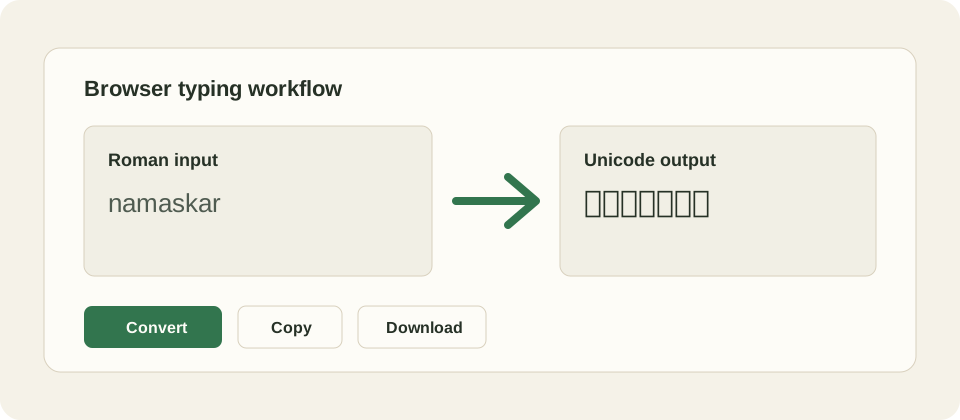
Hindi Typing Test is useful for the specific browser task shown above, but it is not a full translation, OCR, grammar, exam, or human review product. Input methods, browser permissions, fonts, keyboard behavior, and user spelling can all affect results. If a result looks wrong, change the input, use the visible controls again, or compare with a trusted source before final use.
If the output is blank, make sure JavaScript is enabled and press the main action button after entering text. If script text displays as boxes, update the browser or system fonts. If copy fails, select the output manually. If download fails, use copy and paste into a text editor, then save the file locally.
This is a free static tool page. There is no login, payment form, database account, or server conversion endpoint in the launched workflow. We keep the controls direct: Convert, Copy, Download, and Clear. Our privacy promise is limited to this static page behavior; external links and future API-backed products have their own rules.
In our launch checks, we used the sample task on desktop and mobile widths, confirmed that the actual tool appears before support content, and checked that the page still works without a heavy frontend framework. That is why the utility can be cached and served cheaply at high traffic levels.
For practical use, treat the output as a working draft until you verify it. Typing speed scores, dictated text, transliterated script, and legacy font output all save time, but each can still contain mistakes from user input, browser behavior, or ambiguous spelling. A final human check is part of the workflow.
We also keep related tools close to the main widget because many users switch tasks in the same session: a typing test after practice, a language typing page after a keyboard page, or Unicode Hindi before Kruti Dev conversion. Internal links are part of the utility, not filler.
Research verified for this page includes competitor typing tools, official input-tool documentation, Unicode references, and operating-system input guidance where relevant. These sources support the difference between transliteration and translation, Unicode portability, and the existence of phonetic or keyboard input methods.
Yes. This hindi typing test is free on the page and does not require signup. You can start the timer, type the passage, view WPM and accuracy, then copy or download the result directly from the browser.
The tool compares your typed text with the visible passage and reports words per minute, net words per minute, accuracy, and errors. WPM is useful, but net WPM and accuracy are better indicators when you want a realistic typing score.
Yes, the page is built for mobile and desktop browsers. Mobile scores can be lower because touch keyboards, autocorrect, and screen size affect typing behavior, so compare mobile scores with mobile scores and desktop scores with desktop scores.
Accuracy drops when extra spaces, missing letters, wrong capitalization, or rushed corrections do not match the passage. Slow down slightly, finish complete words, and use the error count with net WPM instead of chasing raw speed alone.
No backend scoring is required for this static page. We designed the test so the passage comparison, timer, copy action, and download action run in browser JavaScript. The result is not sent to our server by the on-page controls.
Use one minute for a quick check, five minutes for a more stable daily practice score, and ten minutes when you want endurance practice. A longer test usually reduces lucky bursts and shows your real sustained typing rhythm.
You can use it for general speed and accuracy practice, but official exams may use different passages, keyboard rules, software, and scoring formulas. Treat this browser test as practice support and confirm the exact rules for your exam separately.
WPM measures raw pace, while net WPM accounts for mistakes more strictly. A high raw WPM with many errors is not as useful as a slightly slower score with strong accuracy, especially for office, exam, or transcription work.
The page includes copy and download controls so you can save the current result manually. It does not create an account history or cloud leaderboard, which keeps the launch version fast, private, and cheap to host.
How should you improve after taking the test? Repeat short sessions, focus on accuracy first, and compare scores only when using the same duration and device type. We recommend keeping notes outside the page if you want a long-term practice log or weekly progress review.